AutoWhisk
Archived: AutoWhisk worked with Google Whisk, which Google shut down on April 30, 2026, so it no longer generates images. The written guide explains the character method that still works.
Details Read the guide
HomeTools · Downloads · Official links
The apps, files and official pages used in the CtrlAltErrors guides, each linked to its original source and the guide that explains it.
Explore resources
Resources / Library
Useful tools and downloads featured in our tutorials.
Archived: AutoWhisk worked with Google Whisk, which Google shut down on April 30, 2026, so it no longer generates images. The written guide explains the character method that still works.
The source repository credited in the older Windows 11 drag-and-drop workaround tutorial.
Clock widget download link from the Android 12 customization tutorial.
Software and extensions shown in the videos.
4 apps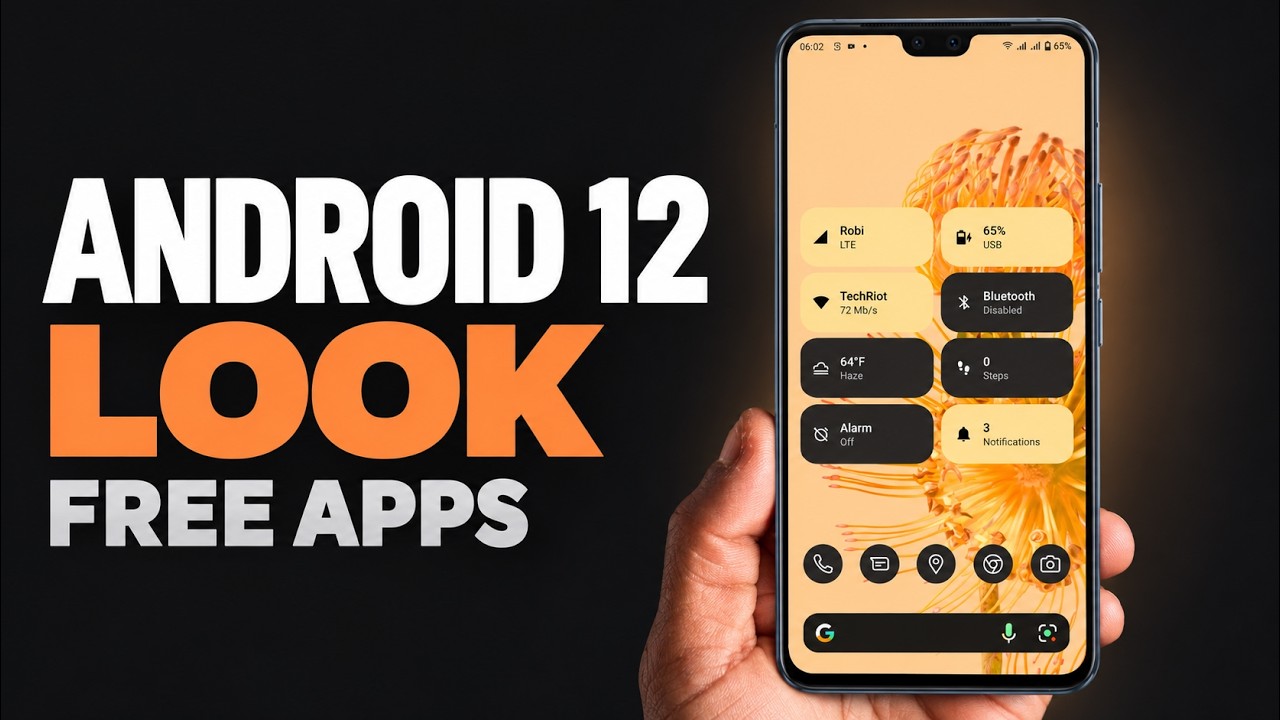 Shown in Get the Android 12 Look on Any Android Phone for FreeDetails →
AI workflowyoutube.com
AutoWhiskArchived: AutoWhisk worked with Google Whisk, which Google shut down on April 30, 2026, so it no longer generates images. The written guide explains the character method that still works.
 Shown in Consistent AI Characters with AutoWhisk (Archived Workflow)Details →
Windows appcutt.ly
Taskbar internet speed monitorThe software link shared in the Windows 10 internet speed monitor tutorial.
 Shown in How to Show Internet Speed on the Windows 10 TaskbarDetails →
Windows appgithub.com
Windows 11 taskbar drag-and-drop fixThe source repository credited in the older Windows 11 drag-and-drop workaround tutorial.
 Shown in Restore Taskbar Drag and Drop on Older Windows 11 with a Free ToolDetails →
Drivers, wallpapers, widgets, fonts and documents used in the guides.
7 filesMicrosoft, LinkedIn and manufacturer pages the guides are based on.
10 links Shown in How to Recover a Restricted LinkedIn Account: The Appeal Form I Used
linkedin.comDetails →
Download page
Official link · Windows 11Windows 11 downloads & setupMicrosoft’s download and installation options for Windows 11. An official reference for the Windows tutorials.
microsoft.comDetails →
Cooler manual
Official link · PC hardwareNoctua NH-D15S documentationFind manuals and installation resources for the air cooler compared with the NZXT Kraken X73 in the video.
 Shown in Air vs Liquid Cooling on an i7-12700K: Noctua NH-D15S vs NZXT Kraken X73
noctua.atDetails →
Spec sheet
Official link · MicrosoftWindows 11 specificationsThe official minimum requirements, including TPM 2.0 and Secure Boot.
 Shown in How to Enable TPM 2.0 on Your Motherboard
microsoft.comVisit ↗
Microsoft tool
Official link · MicrosoftWindows 10 Media Creation ToolMake a Windows install USB from Microsoft’s own download page.
 Shown in Fix “A Media Driver Your Computer Needs Is Missing”
microsoft.comVisit ↗
Recovery key
Official link · MicrosoftFind your BitLocker recovery keyRead this before changing BIOS, TPM or Secure Boot settings on an encrypted PC.
 Shown in How to Reset BIOS by Removing the CMOS Battery (Step-by-Step)
support.microsoft.comVisit ↗
Security FAQ
Official link · MicrosoftSmart App Control FAQMicrosoft’s explanation of the “This app may be unsafe” warning.
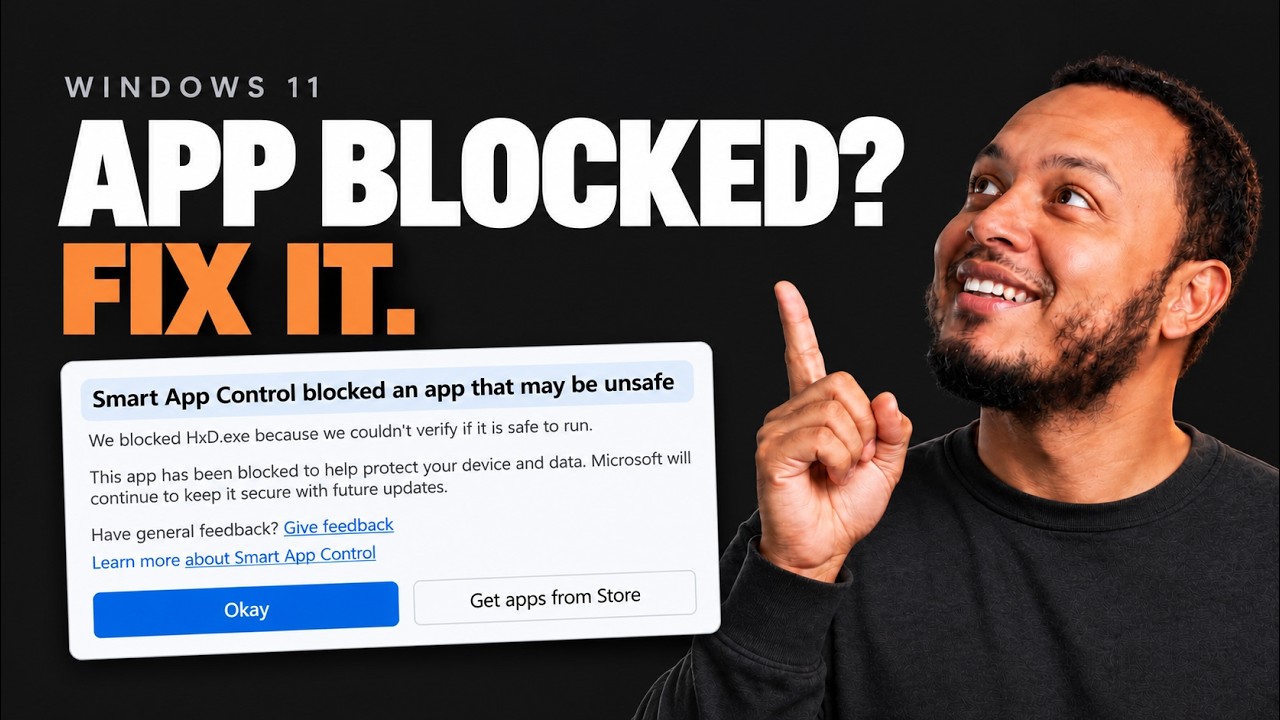 Shown in How to Fix “This App May Be Unsafe” on Windows 11
support.microsoft.comVisit ↗
Security setting
Official link · MicrosoftApp & browser control settingsWhere Smart App Control and reputation checks live in Windows Security.Shown in How to Fix “This App May Be Unsafe” on Windows 11
support.microsoft.comVisit ↗
BIOS help
Official link · ASUSClear CMOS methods (ASUS)ASUS support’s official ways to reset BIOS settings.Shown in How to Reset BIOS by Removing the CMOS Battery (Step-by-Step)
asus.comVisit ↗
Account help
Official link · LinkedInLinkedIn account restrictionsWhy LinkedIn restricts accounts and what it asks you to do.Shown in How to Recover a Restricted LinkedIn Account: The Appeal Form I Used
linkedin.comVisit ↗
Nothing matches that search. Try a shorter word, or ask for a guide →
Download safely. Third-party links open the original source. Check the file and the site before you install anything, and prefer the official link when one is listed.
Resources / What next
↑↓ to moveEnter to openEsc to close