CtrlAltErrors · free tech fixes since 2020
Tech fixes that
actually work.
Written, step-by-step guides for Windows setup, BIOS and Secure Boot, PC hardware and editing software. Find your error, follow the steps, watch the video if you need it.

Chance of a Windows Update during your deadline.
across 36+ videos on YouTube
Tools & filesdownloads and official links from the guides
 Latest upload
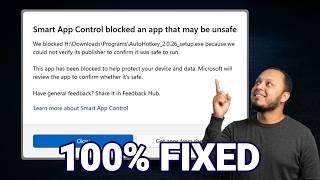
Fix the unsafe app warning in Windows 11
1:07 video
Five fixes. 1.5 million views.
 1Fix a missing media driver during Windows setup844K views · 2:59 video
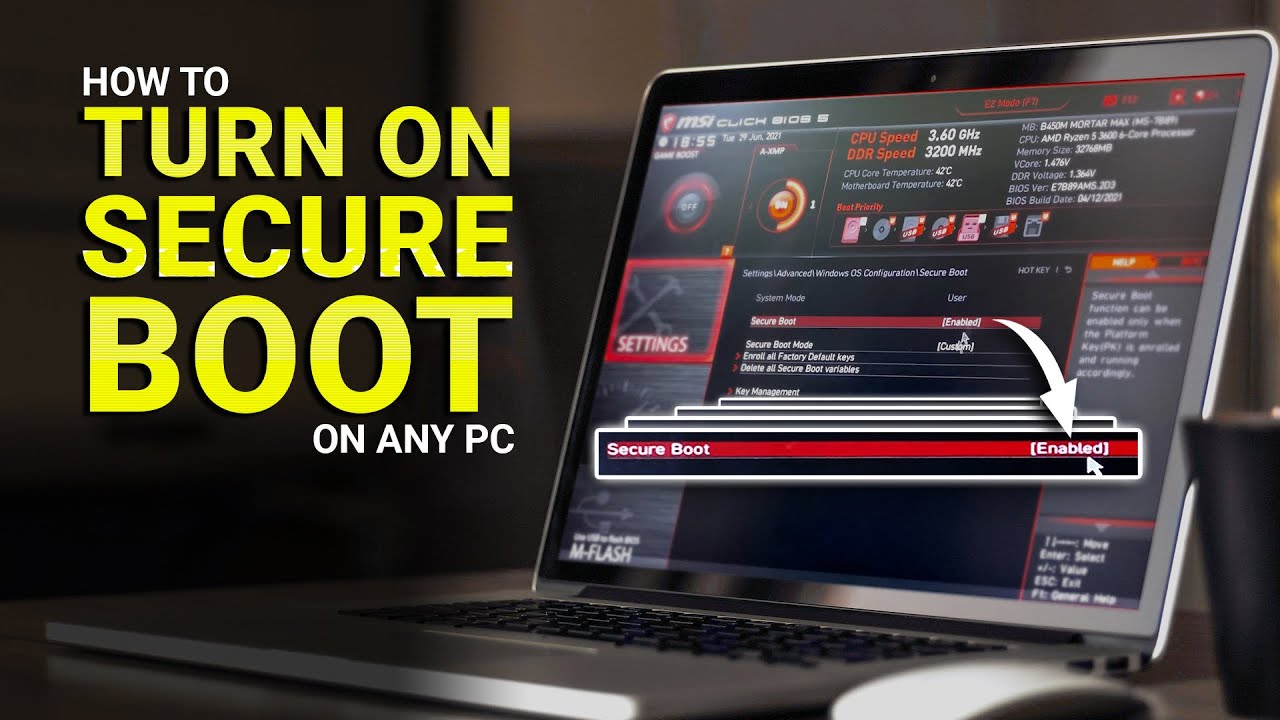
 2Enable Secure Boot for Windows 11206K views · 3:06 video
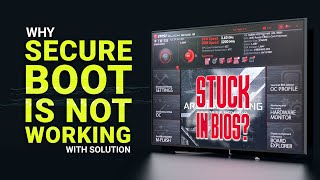 3Fix boot problems after enabling Secure Boot190K views · 3:13 video
 4Convert an MBR disk to GPT151K views · 7:04 video
 5Enable TPM 2.0 on your motherboard150K views · 1:46 video
Real problems. Real results.
3,200+ comments across the channel. Shown unedited, each linked to the original.
“…I followed the link you shared in the description and submitted the form around 10 PM, and surprisingly, I got a response by 8 AM the next morning. It actually worked. I just came back here to say I’m genuinely so grateful thank you so much.”
“Thank you friend, I spent a lot of time trying to solve this, but nothing helped. Then I found you and everything worked out, thanks)”
K@ksentaro_ · 44 likesFrom · MBR to GPT“Dude thank you for this video. I was trying to enable UEFI in order to install Windows 11, and I just couldn't boot with secure boot on. This actually solved my issue, thank you so much.”
N@nickdablessed99 · 80 likesFrom · Enable TPM 2.0“Thank you, I now meet the requirements for win 11”
P@patrickmcdermott06 · 43 likesFrom · LinkedIn restriction“This video was such a lifesaver. After trying many methods, this one stood out. Thank you.”
D@DinaRoseBautista · 9 likesEvery guide, one place.
30 written guides with real screenshots, most with a video. Filter by topic or type what's broken.
- 01
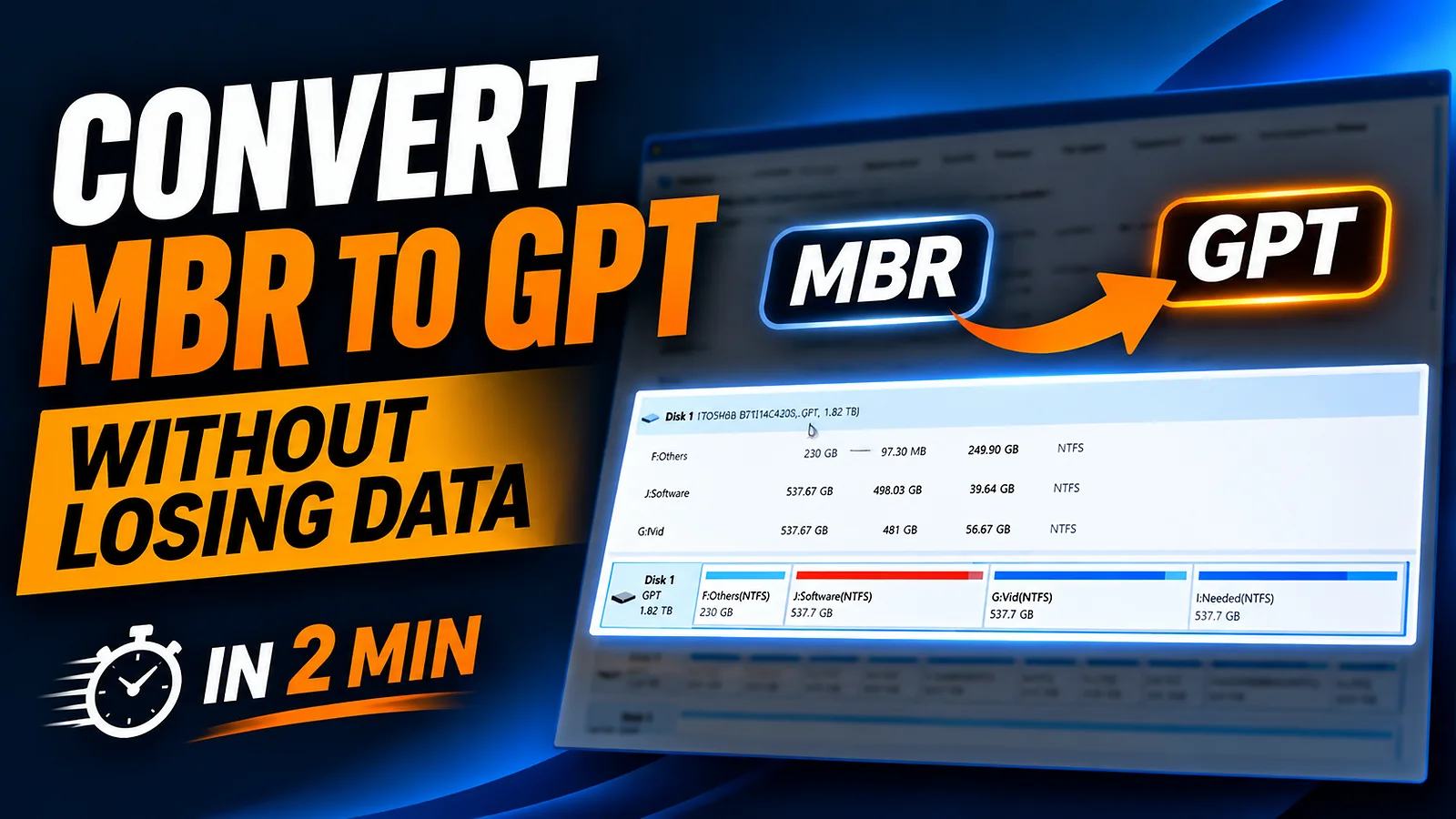 How to Convert MBR to GPT Without Losing Data in 2 Minutes (Windows 11/10)Windows & PCNew6 min
- 02
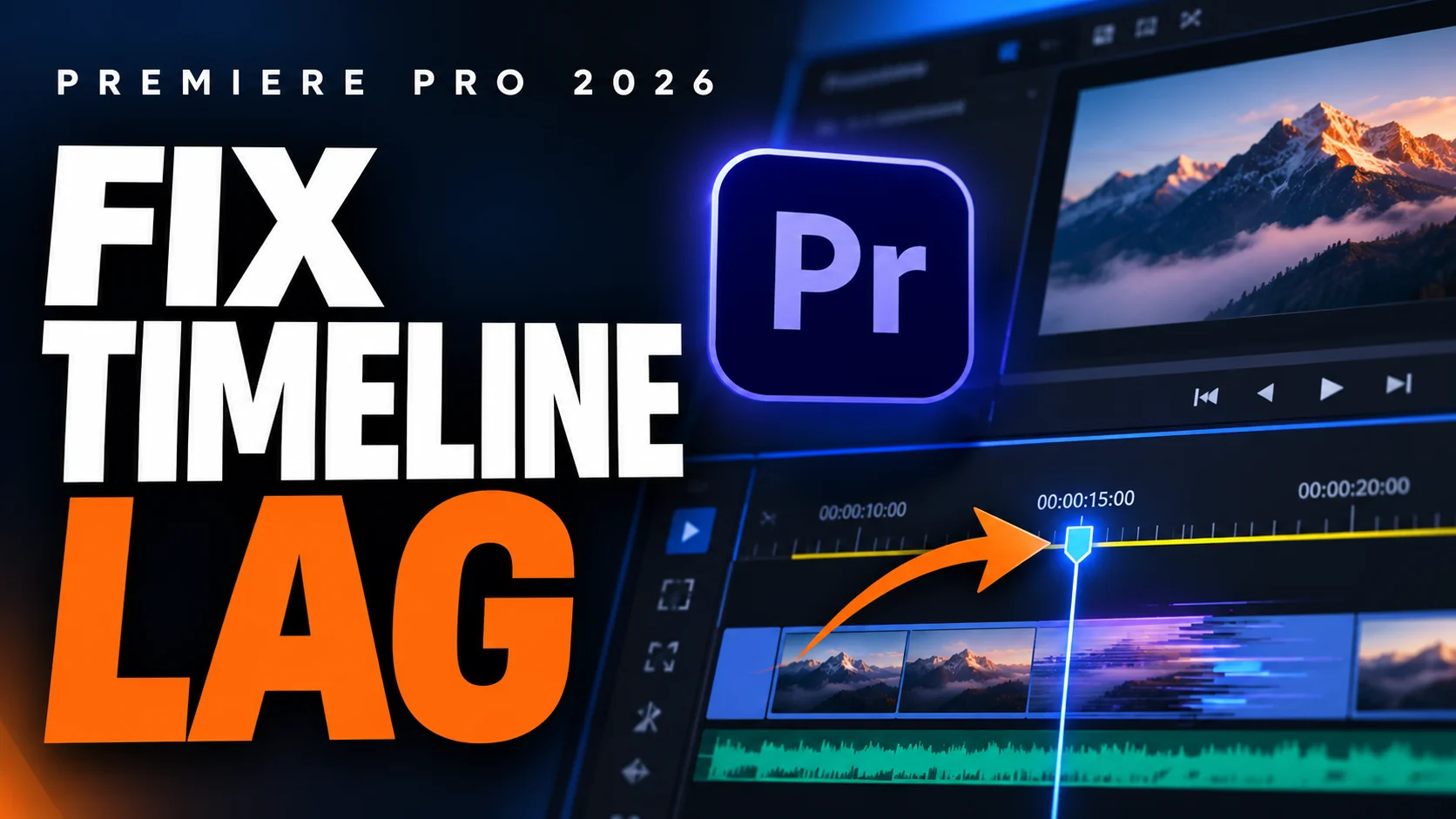 How to Fix Premiere Pro 2026 Lagging After UpdateVideo & AudioNew5 min
- 03How to Enable TPM 2.0 on Your MotherboardWindows & PC150K views7 min
- 04
 How to Use a BOYA BY-M1 Mic Without a BatteryVideo & Audio27K views7 min
- 05
 How to Reset BIOS by Removing the CMOS Battery (Step-by-Step)Windows & PC3K views7 min
- 06
 How to See and Block Wi-Fi Users on a TP-Link RouterWindows & PC15K views7 min
- 07
 Fix “A Media Driver Your Computer Needs Is Missing”Windows & PC844K views6 min
- 08
 Windows 10 vs 11 on Ryzen: A Real Premiere Pro Render TestWindows & PC707 views6 min
- 09
 How to Replace a UPS Battery (and Skip Buying a New UPS)Windows & PC4K views7 min
- 10
 How to Permanently Delete Your Instagram Account from Your PhoneAndroid & Mobile213 views6 min
- 11
 How to Remove a Video Background Without a Green Screen (CapCut)Video & Audio183 views6 min
- 12How to Fix “This App May Be Unsafe” on Windows 11Windows & PC242 views4 min
- 13
 How to Recover a Restricted LinkedIn Account: The Appeal Form I UsedAccounts & Platforms59K views5 min
- 14
 Consistent AI Characters with AutoWhisk (Archived Workflow)AI & Creative Tools159 views6 min
- 15
 Air vs Liquid Cooling on an i7-12700K: Noctua NH-D15S vs NZXT Kraken X73Windows & PC8K views7 min
- 16
 Windows 11 Taskbar Drag and Drop Is Back: How to Get ItWindows & PC13K views5 min
- 17
 Get the Android 12 Look on Any Android Phone for FreeAndroid & Mobile338 views7 min
- 18
 How to Change Your Valorant Name (Riot ID)Accounts & Platforms3K views5 min
- 19
 Restore Taskbar Drag and Drop on Older Windows 11 with a Free ToolWindows & PC4K views5 min
- 20
 How to Swap Switches on a Hot-Swappable Mechanical KeyboardWindows & PC86K views7 min
- 21
 How to Show Internet Speed on the Windows 10 TaskbarWindows & PC585 views6 min
- 22
 How to Turn Off Secure Boot in the BIOSWindows & PC76K views6 min
- 23
 Windows 11 Problems I Hit as a Content Creator on RyzenWindows & PC842 views6 min
- 24
 Dark File Explorer With a Light Taskbar in Windows 11Windows & PC13K views5 min
- 25How to Convert MBR to GPT Without Losing DataWindows & PC151K views8 min
- 26
 I Lost My Windows Install Converting MBR to GPT with a Third-Party ToolWindows & PC376 views6 min
- 27
 Two Ways to Drag and Drop Files in Windows 11 Without the TaskbarWindows & PC26K views5 min
- 28Secure Boot Is On but Windows Will Not Start? Here Is the FixWindows & PC190K views7 min
- 29
 How to Update Your Motherboard BIOS SafelyWindows & PC2K views8 min
- 30How to Enable Secure Boot for Windows 11Windows & PC206K views7 min
Nothing matches that yet. Request a guide →
Meet Shozu. Then watch the fix.

Our animated character turns real tech news into short episodes. Backwards cap, headphones always on, opinions about RAM prices.
 EP 1▶ 16K
NVIDIA GPU for $99?! Shozu couldn't believe it
 EP 2▶ 1.7K
NVIDIA driver writes 30GB/hour to SSD?!
 EP 3▶ 1.5K
What if CTRL+Z worked in real life?
 EP 4▶ 1.3K
What if RAM cost $999?! Shozu's PC disaster
 EP 5▶ 1.3K
Why is RAM so expensive? Shozu vs. the RAM crisis
 EP 6▶ 1.3K
GTA 6 on PC in ONE AI prompt?!
 ▶ 1.3K
Premiere Pro lagging after the 2026 update? One setting fixes it
 ▶ 810
Turn on Secure Boot for Windows 11 (MSI BIOS)
 ▶ 761
Secure Boot on but Windows won't start? Here's why
 ▶ 403
Enable TPM 2.0 on an MSI motherboard
 ▶ 278
Convert MBR to GPT without reinstalling Windows
 ▶ 85
Swap switches on a hot-swappable keyboard
How every guide works.
- 01Find your guide
Search the exact error, or browse by device, app or topic.
"What does this error even mean?"
- 02Understand the why
A key takeaway and a short explanation of what you're changing, before you change it.
"Ohh… that's why."
- 03Follow the steps
Numbered steps, exact menu paths and the screens you should expect.
"Step one… step two… okay."
- 04Check it worked
How to confirm the fix, what to do if it didn't, and the official sources.
"Fixed. Too easy."
Resources
More from CtrlAltErrors.
The channel is one part of the family. The studio and our Mac app are the main business.
We make products make sense.
A motion design and post-production studio. Product demos, launch films and podcast edits for software companies, founders and creators. They also animate Shozu.
Product demosExplainer videosLaunch filmsUI & motion graphicsPodcast editing Coming soon · Our Mac app
MacEaseKit
Less friction. More freedom. Built for everyone moving from Windows to Mac. Some of it you can guess. Some of it stays a surprise.
CtrlCCtrlV??Menu bar · works offlineGet launch updates →Stuck on something
we haven't covered?
Subscribe for new fixes and Shozu episodes, or tell us your error and we might make the next guide about it.

Need a hand? Find the guide. Get the tools.